
Tools
npnp: EDA library export CLI
npnp is a Rust command-line tool that exports LCSC part data as libraries for Altium Designer and KiCad.
Contents

npnp (Normalize Pin Net Pad) targets scripts, batch jobs, and CI workflows. It converts LCSC / EasyEDA part data into EDA libraries that you can review and use.
Features#
- Export KiCad symbols, footprints, and 3D models.
- Export Altium Designer
SchLibandPcbLibfiles. - Export one part or many parts from a text file, with parallel processing.
- Merge libraries, append parts to an existing merged library, and export standalone 3D models.
- Support bilingual metadata with a fallback to source data when a translation is unavailable.
- Provide release packages for Windows, macOS, and Linux.
- Known support includes KiCad 9.0+ and Altium Designer 23.x+.
Common commands#
npnp search C2040 --limit 5

npnp altium export C2040 --full --output altium-libs --force
npnp altium batch --input ids.txt --output generated/altium --merge --library-name MyLib --full --continue-on-error

npnp kicad export C2040 --full --output kicad-libs --library-name MyParts --force
npnp kicad batch --input ids.txt --output generated/kicad --library-name MyParts --full --force --parallel 4 --continue-on-error
When you are unsure about an option combination, run npnp --prompt to see copy-ready commands.
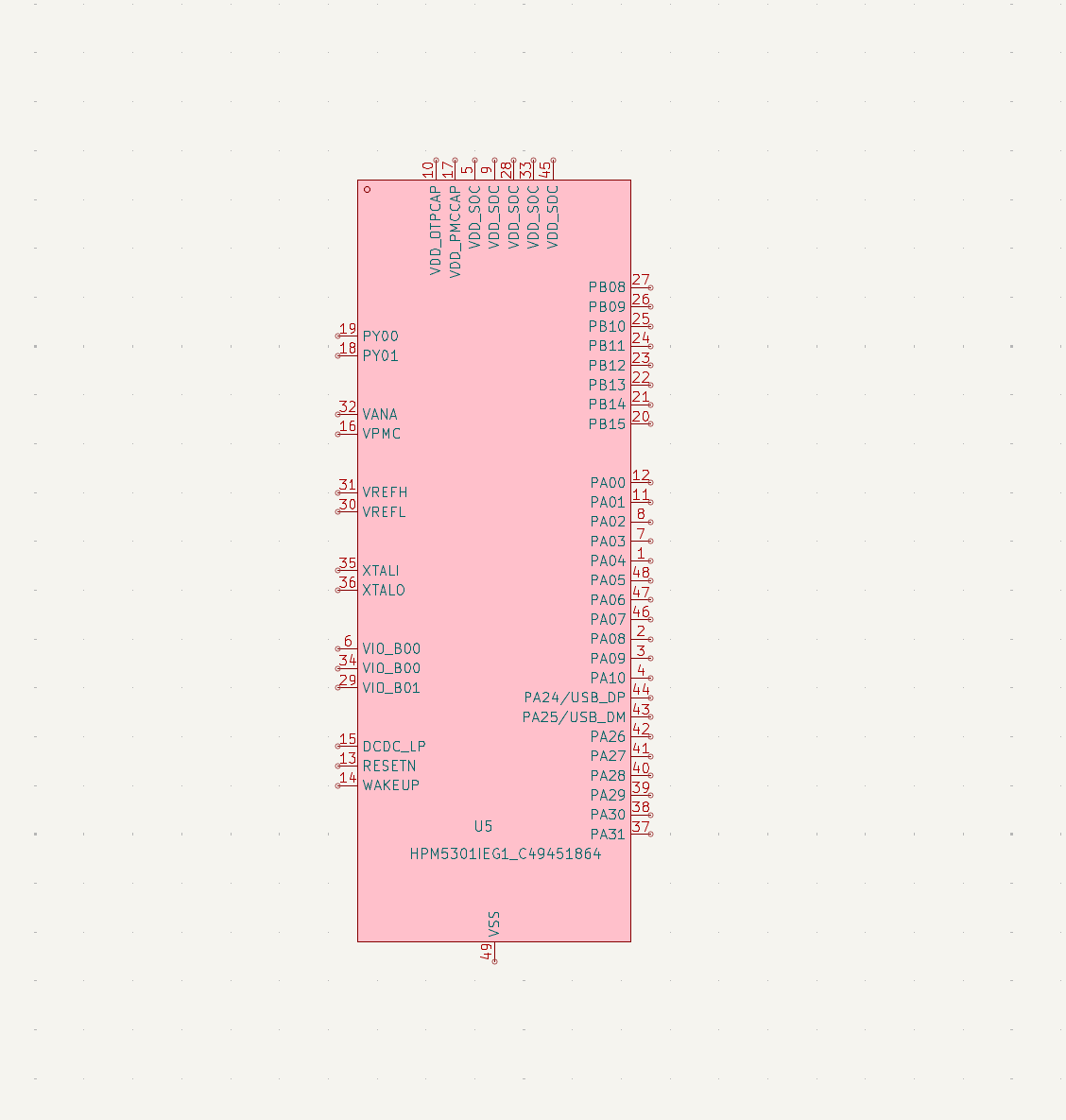
Export previews#


Notes#
Generated libraries still require engineering review. Before using one in a production project, inspect its symbols, footprints, 3D models, and metadata in the target EDA tool.
Use the companion SeEx application when you want a graphical interface; npnp is better for command lines, scripts, and CI.
Discussion
Comments and discussion
Sign in with GitHub to leave a comment, ask a question, or add context.